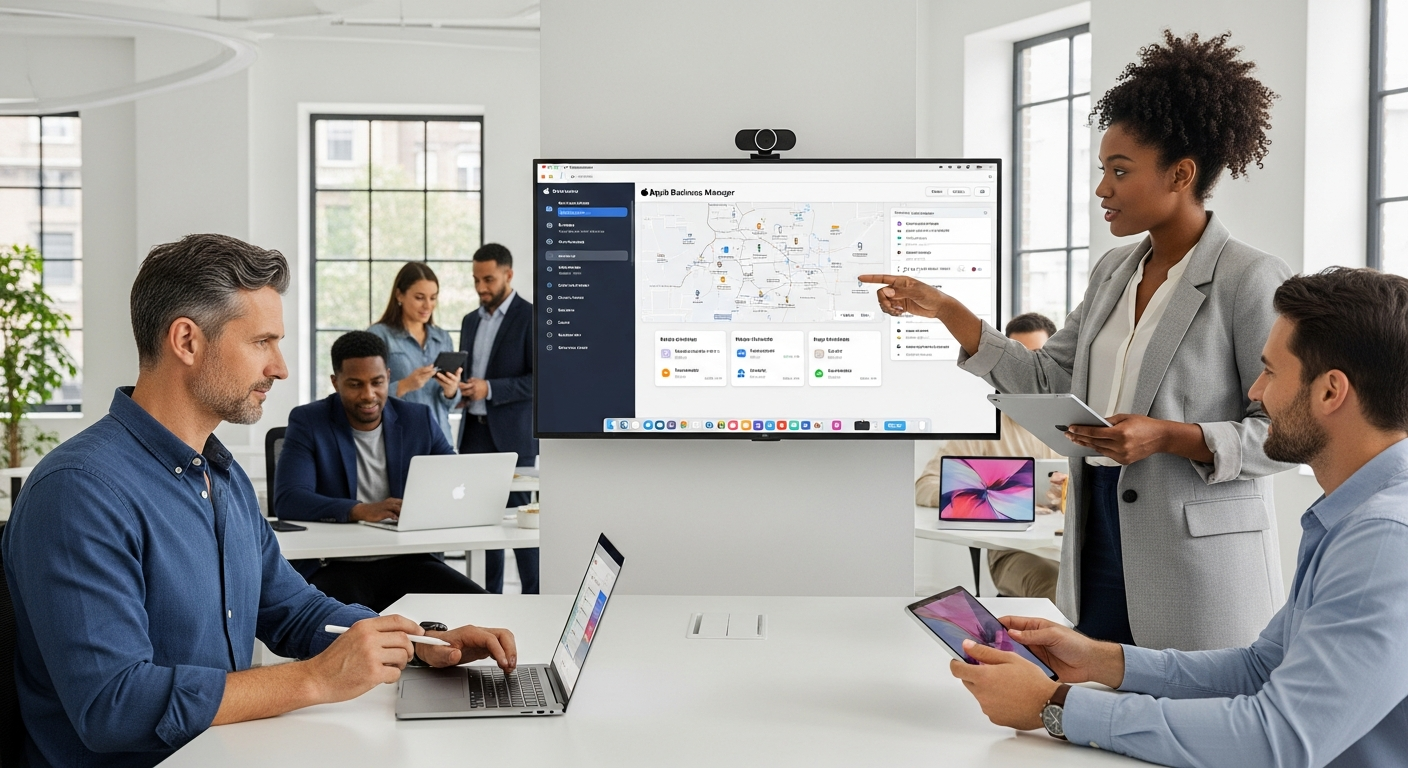
Apple Business Manager Complete Guide, Login, Cost, and Support
Introduction
Managing Apple devices in a business setting can be tricky, but Apple Business Manager makes it simple. This tool helps businesses deploy iPhones, iPads, Macs, and Apple TVs efficiently. Whether you are setting up devices for employees, managing apps, or monitoring usage, Apple Business Manager streamlines the entire process. In this guide, we will cover everything from login steps to cost, support, and the latest news. By the end, you’ll feel confident navigating this platform.
What is Apple Business Manager?
Apple Business Manager is a web-based portal that helps businesses manage Apple devices, apps, and accounts. It combines device enrollment, app distribution, and Apple ID management in one place. With this tool, IT teams can automate device setup, assign apps remotely, and control permissions easily. Unlike individual Apple IDs, Apple Business Manager provides centralized control, which is ideal for companies of all sizes.
How to Log In to Apple Business Manager
Logging in is simple. Visit the Apple Business Manager login page. Enter your Apple ID and password associated with your organization. Two-factor authentication is mandatory for security. Once logged in, you’ll see a dashboard with device inventory, users, and apps. Always use a secure network and avoid shared credentials to maintain account safety.
Apple Business Manager Support: Where to Get Help
Apple provides dedicated support for businesses using this platform. You can reach Apple Business Manager support via phone, chat, or email. Support includes help with device setup, troubleshooting errors, and guidance on app deployment. For larger organizations, Apple offers account managers to provide personalized assistance. Always check for updates in the support section to solve issues quickly.
Apple Business Manager News and Updates
Stay informed with the latest Apple Business Manager news today. Apple frequently updates features, security protocols, and device management options. Keeping up with news ensures you use the platform efficiently and comply with the latest guidelines. Subscribing to newsletters or checking Apple’s newsroom helps businesses stay ahead of changes.
Apple Business Manager User Guide
The Apple Business Manager user guide is a helpful resource for beginners. It explains how to add devices, assign roles, manage apps, and configure settings. Step-by-step instructions make setup fast, even for non-technical staff. Downloading the user guide from Apple’s official website ensures you follow the most current procedures.
Apple Business Manager Cost and Pricing
Apple Business Manager is free to use. However, associated costs may include app purchases, device procurement, and optional support plans. Understanding Apple Business Manager pricing helps organizations budget effectively. Some businesses may also consider mobile device management (MDM) solutions for advanced features, which could have separate costs.
How to Add Devices to Apple Business Manager
Adding a device is straightforward. Go to the devices section in the dashboard and click Add Device. You can add iPhones, iPads, Macs, or Apple TVs either manually or via automated enrollment. Devices purchased from Apple or authorized resellers can be linked automatically. Once added, devices are ready for configuration, apps, and user assignments.
Benefits of Using Apple Business Manager
Using Apple Business Manager provides several advantages:
- Simplifies device setup for new employees
- Centralizes app management
- Enhances security with centralized control
- Reduces IT workload
- Ensures compliance with corporate policies
These benefits make it essential for companies that rely heavily on Apple devices.
Tips for Maximizing Apple Business Manager
- Regularly update devices and apps
- Assign roles carefully to avoid accidental access issues
- Integrate with an MDM solution for better control
- Keep an inventory checklist to track all Apple devices
- Stay updated with Apple Business Manager news for new features
Apple Business Manager vs Individual Apple IDs
Individual Apple IDs are meant for personal use. Apple Business Manager offers centralized management, automation, and security that personal accounts cannot provide. Businesses benefit from faster device deployment, app distribution, and role management without requiring employees to manage their own Apple IDs.
Frequently Asked Questions (FAQs)
- Can I use Apple Business Manager for a small business? Yes, Apple Business Manager works for small, medium, and large organizations. It scales according to your device count.
- How secure is Apple Business Manager login? It is highly secure with two-factor authentication, role-based access, and encrypted connections.
- Do I need to pay for Apple Business Manager? No, the platform itself is free. Costs only arise from apps, devices, or optional MDM solutions.
- Can I add existing Apple devices to the platform? Yes, devices purchased from Apple or authorized resellers can be added to Apple Business Manager.
- Where can I find Apple Business Manager support? Apple provides dedicated support via chat, phone, and email. Larger accounts may have dedicated account managers.
- How do I stay updated with Apple Business Manager news today? Check Apple’s newsroom or subscribe to official newsletters for real-time updates.
Conclusion
Apple Business Manager is a powerful platform that simplifies device and app management for businesses. Whether you’re adding devices, managing apps, or keeping up with Apple Business Manager news, this tool saves time, improves security, and ensures a smooth workflow. Explore its features, follow best practices, and stay updated to maximize your organization’s Apple ecosystem.
Apple Business Manager Overview Table
|
|
|
|---|---|
| Feature | Description |
| Platform | Web-based, centralized management for Apple devices |
| Main Function | Device enrollment, app distribution, Apple ID management |
| Login | Requires Apple ID, two-factor authentication |
| Support | Phone, chat, email, dedicated account managers |
| Cost | Free (device/app costs separate) |
| Pricing | N/A (optional MDM costs may apply) |
| User Guide | Step-by-step instructions for setup, management, and troubleshooting |
| Device Types | iPhone, iPad, Mac, Apple TV |
| Benefits | Simplifies deployment, enhances security, reduces IT workload |
| Latest News | Accessible via Apple Newsroom and official updates |